
BLOG
The Best Flexible Display Setups for Minimalist Desks


A clean, minimalist desk can transform how you work. It helps you focus and feel less stressed. But you might be thinking, “How can I have enough screen space without the clutter?” Good news: you don’t have to choose between productivity and a peaceful workspace.
Flexible displays are changing the game. These aren’t your bulky, old-school monitors. We’re talking about screens that adapt to your space and needs. Imagine having a large display that folds away when you’re done working. Or a crystal-clear screen that needs just one cable—or even no cables at all.
I’ve tested various setups to find what truly works for minimalist desks. The right setup can give you both the screen space you need and the clean desk you want. Let me show you how.
Why Flexible Screens Work for Minimalist Desks
Traditional monitors demand permanent space. They’re heavy, they have multiple cables, and they dominate your desk. I’ve always found this frustrating—it’s like having a guest that never leaves.
Flexible and portable monitors are different. They’re designed to work around your life, not the other way around. The biggest benefit? You reclaim your space. When work is done, your desk can actually be your desk again—a place for reading, writing, or just enjoying the clear surface.
One thing to consider: these aren’t compromise products. Many offer the same great quality as traditional monitors but in a flexible form.
The Foldable OLED: Your Space-Saving Powerhouse
Picture this: a 22-inch display that folds in half to the size of a large book. This is exactly what new technology like the UPERFECT Omega flexible oled display offers. It’s like having a transformer for your workspace.
Here’s how it works in real life:
- During work hours:Unfold it for a full 22-inch canvas with stunning OLED colors and contrast
- After work:Fold it down to 16 inches and tuck it away
The best part? You’re not sacrificing quality for convenience. These displays typically feature vibrant colors, sharp resolution, and professional-grade performance. And yes, they’re tested for durability—many can withstand over 30,000 folds.
Going Completely Cord-Free
If you really hate cables, you’ll love this option. A quality portable monitor with battery takes flexibility to the next level. I’ve found this perfect for creating a truly wireless setup.
Here’s what makes it great:
- Single USB-C connection for both power and video
- Built-in battery for completely wireless use
- Ultra-thin design that’s easy to store
You can set it up anywhere—at your desk, on the couch, or even outside. When you’re done, it slides into a drawer or bag effortlessly. No cables to wrap up, no power bricks to store.
3 Smart Setups I Recommend Trying
Through testing different arrangements, I’ve found three setups that work particularly well for minimalist spaces.
The Transformable Primary Setup
Use a flexible OLED as your main display. During work, enjoy the large screen. After work, fold it and store it vertically. I like that this gives you maximum screen when needed and zero footprint when not.
The On-the-Go Hybrid Setup
Pair your laptop with a slim portable monitor. Use a simple stand or monitor arm. This works wonderfully for people who split time between home and office. Just unplug one cable and you’re ready to go.
The Zero-Clutter Floating Setup
Mount a lightweight portable monitor on a single arm. Combine it with wireless peripherals. This creates a beautiful, floating screen effect that makes any desk feel more spacious.
A quick tip from my experience: Even with wireless setups, you might have one cable. Use a simple adhesive clip to route it neatly along your monitor arm. This small step makes a huge difference.
What to Look For When Choosing
Having tested various models, here are the specs that matter most for minimalist setups:
- Weight:Under 2 pounds for true portability
- Thickness: Less than 0.5 inches when folded
- Connectivity:USB-C with power delivery
- Stand: Included or compatible with standard mounts
Don’t forget to check the actual folded dimensions—this determines how easily it stores away.
FAQ: Your Flexible Display Questions Answered
Are flexible monitors durable enough for daily use?
Yes, manufacturers test them rigorously. The UPERFECT Omega, for example, is engineered to withstand over 30,000 folds. That’s years of daily use. The technology has come a long way in reliability.
Can I use a portable monitor as my main screen?
Absolutely. Many portable monitors now match traditional displays in quality. Look for at least 1080p resolution, good color accuracy, and adequate brightness. For most work tasks, they perform perfectly.
How complicated is the setup?
It’s surprisingly simple. Most models work with a single USB-C cable. Some even support wireless connectivity. You’ll typically be up and running in under a minute—no technical expertise needed.
Will the image quality compare to my current monitor?
Often, it’s better. Flexible OLED displays offer superior contrast and colors compared to many traditional monitors. Each pixel produces its own light, resulting in perfect blacks and vibrant colors.
Can I connect it to multiple devices?
Yes, that’s one of the great advantages. Most flexible displays work with laptops, phones, tablets, and even gaming consoles. Switching between devices is usually as simple as swapping one cable.
What about eye comfort during long work sessions?
Look for models with blue light reduction and flicker-free technology. Many portable monitors now include these features. The matte finishes on most screens also help reduce glare.
Creating Your Perfect Minimalist Setup
The beauty of flexible displays is how they adapt to your life. You’re not building a stationary workstation anymore, you’re creating a dynamic space that serves multiple purposes.
Start with one portable monitor and see how it transforms your workspace. Pay attention to how you use the space throughout the day. You might find that having the option to put your screen away encourages you to take better breaks and maintain healthier work boundaries.
Remember, the goal isn’t just a clean desk—it’s a workspace that supports both your productivity and your peace of mind. With the right flexible display, you can finally have both.

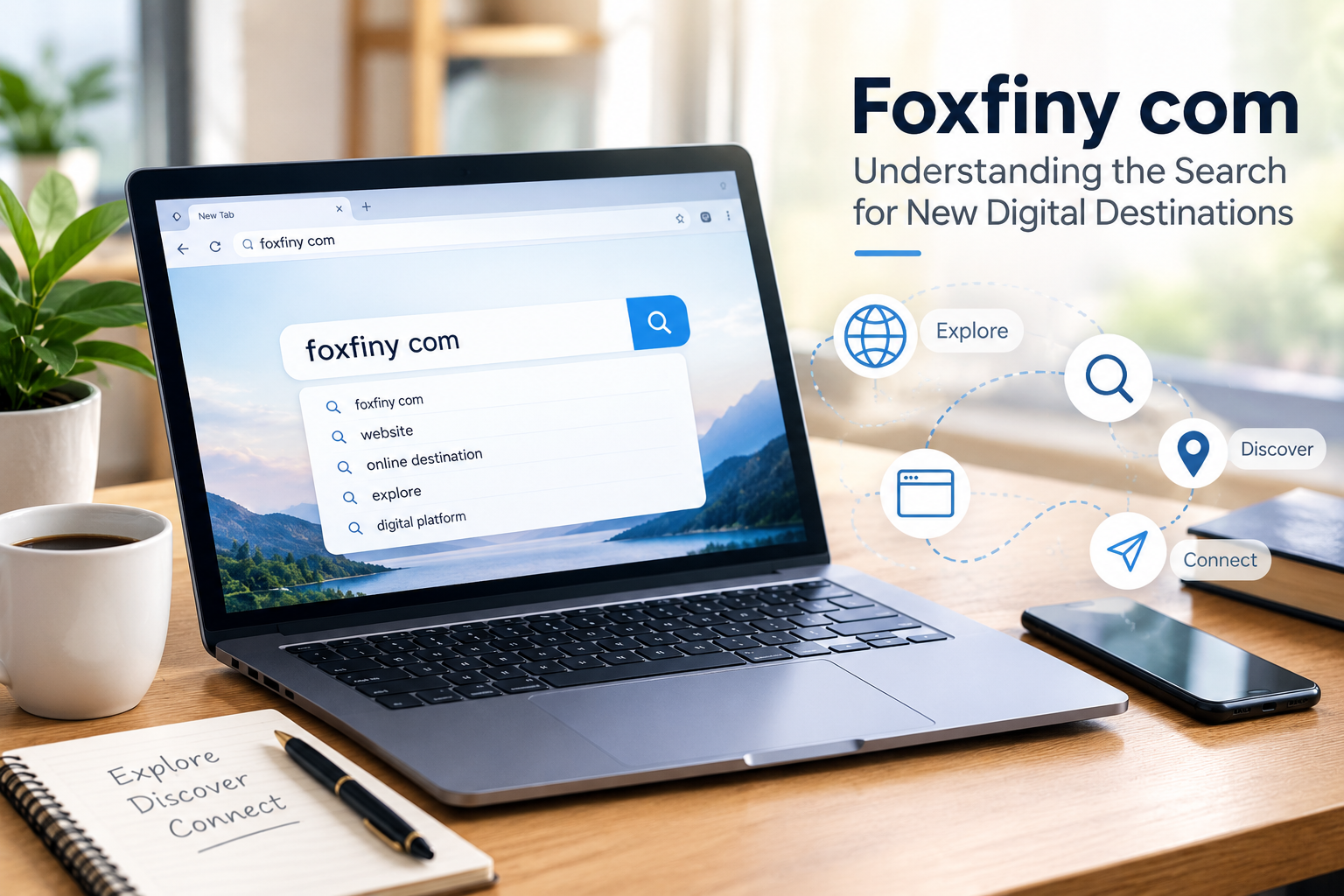
Foxfiny com is an unfamiliar search term that raises an interesting question about how people discover websites and digital destinations. Across the internet, users regularly encounter unusual names through search results, social media posts, online advertisements, and recommendations. When a name does not immediately explain its purpose, curiosity often encourages people to investigate further. Understanding foxfiny com begins with examining the available context rather than assuming that its name reveals everything about its identity.
The internet contains millions of websites serving different purposes, from educational publishing and entertainment to online shopping and business services. Some become recognizable through established reputations, while others receive attention before clear information about them becomes widely available. Readers searching for an unfamiliar domain usually want straightforward answers about its purpose, credibility, and potential usefulness.
This article explores the broader questions associated with researching unfamiliar websites, identifying reliable information, and understanding digital discovery. It also explains how readers can investigate an online destination carefully without relying on unsupported assumptions.
What Is Foxfiny com?
The exact purpose and ownership of foxfiny com cannot be established from the keyword alone. Without reliable information from an official website or other credible sources, it would be misleading to describe it as a confirmed business, service, publication, or digital platform.
However, the search term provides a useful starting point for understanding how people investigate unfamiliar domains. When users encounter a website name, they commonly want to know what it offers, who operates it, and whether its content is relevant to their needs.
A domain name does not necessarily reveal the nature of a website. A short or distinctive name might belong to a personal project, an online publication, a commercial service, or an entirely different type of resource.
The most reliable way to establish its identity is to examine the actual website, available ownership information, published content, and independent references. These details provide a stronger foundation than assumptions based on the name itself.
Why Foxfiny com Attracts Digital Curiosity
Unfamiliar website names can encourage people to search for additional information. This behavior reflects a basic feature of internet use: people want to understand what they encounter before deciding whether it deserves their attention.
The appeal of unfamiliar website names
A recognizable domain often gives visitors an immediate clue about its purpose. For example, a name containing words associated with education or travel may suggest a particular subject. A less familiar name leaves more room for questions.
Someone searching for foxfiny com may want to identify the website, understand its content, or determine whether it offers something relevant. These questions are natural starting points for online research.
Nevertheless, curiosity does not establish popularity or legitimacy. A website can attract searches for many reasons, including genuine interest, confusion, or exposure through unrelated online discussions.
How search engines influence discovery
Search engines help users locate pages that may answer their questions. Their results can include official websites, independent articles, discussion forums, and other references.
When researching an unfamiliar domain, users should consider the source behind each result. An official page may explain the website’s purpose, while an independent review may offer additional observations.
Comparing these sources can provide a clearer picture than relying on one search result.
Foxfiny com and the Importance of Website Verification
Finding a website is only the first step. Before trusting its content or sharing personal information, visitors should examine several practical indicators.
Check the website’s identity
Start by visiting the domain carefully and reviewing its available pages. Look for a clear description of the website, information about its operator, and contact details where appropriate.
If the website claims to represent a registered business, additional verification may be possible through relevant public records or official company information.
Missing details do not automatically prove that a website is fraudulent. However, unexplained ownership, inconsistent information, or unsupported claims can justify additional caution.
Review privacy and security practices
A privacy policy should explain how a website handles personal information. Visitors should understand what information may be collected, how it is used, and whether it is shared with other organizations.
A secure HTTPS connection helps protect information transmitted between a browser and a website. However, HTTPS alone does not prove that a website is honest or trustworthy.
Avoid submitting sensitive information until you understand who operates the website and why the information is required.
Look for independent evidence
Reviews, public discussions, and reputable third-party references can provide useful context. However, individual comments should be treated carefully because online reviews can be incomplete, outdated, or misleading.
For foxfiny com, independent verification is particularly important before making claims about its services, reputation, or ownership.
How Foxfiny com Relates to Search Engine Optimization
Search engine optimization, commonly called SEO, helps websites make their content easier to discover through search engines. Unfamiliar domain names can become the focus of SEO content when people want clear explanations about what they represent.
Understanding search intent
Search intent refers to the reason someone enters a particular query. A person searching for foxfiny com may want to locate the website, identify its purpose, or assess its reliability.
Useful content should address these possibilities directly. Rather than inventing details, a well-researched article should explain what is known, identify unanswered questions, and provide practical guidance for further investigation.
This approach helps readers find meaningful information instead of encountering unsupported descriptions.
Using keywords naturally
A target keyword should appear where it helps clarify the subject, including the title, introduction, and relevant headings. Repeating the same phrase in every paragraph is unnecessary.
Related expressions such as website discovery, online research, domain verification, and digital resources can help develop the topic naturally.
Good SEO writing prioritizes clarity and usefulness. Search visibility is valuable, but it should not come at the expense of accuracy or reader confidence.
Common Questions to Ask Before Using an Unfamiliar Website
People researching a new digital destination should consider several questions before deciding whether to use it.
- What does the website offer? Look for a clear explanation of its purpose and services.
- Who operates it? Check available ownership information and relevant business details.
- Is the information current? Review publication dates and whether pages appear maintained.
- Are its claims supported? Compare important statements with credible independent sources.
- Does it request sensitive information? Understand why personal or payment details are necessary before providing them.
- Are its terms clear? Review relevant privacy, refund, subscription, and service policies.
These questions apply to unfamiliar websites generally, regardless of whether they offer information, entertainment, shopping, or professional services.
The Future of Online Discovery
The internet continues to expand as individuals, businesses, and organizations introduce new websites and digital services. Search engines, social networks, and online communities help these destinations reach potential audiences.
At the same time, the growing volume of online information makes verification increasingly important. Visitors must distinguish established facts from speculation, recognize promotional material, and assess whether a source deserves their confidence.
Searches involving foxfiny com illustrate the value of asking questions before reaching conclusions. A domain may become easier to understand as reliable information emerges, but its significance should be determined by evidence rather than assumptions.
For publishers, this creates an opportunity to produce helpful content that answers genuine questions. Accurate explanations, transparent limitations, and practical research advice can provide lasting value even when a website’s identity is not immediately clear.
Conclusion
Foxfiny com represents the kind of unfamiliar search term that can encourage people to investigate an online destination. Although its exact identity and purpose cannot be confirmed from the keyword alone, researching it highlights important principles of digital discovery.
Readers should examine official website information, verify important claims, review privacy practices, and consult independent sources before trusting an unfamiliar platform. A distinctive domain name or search engine listing is not sufficient evidence of credibility.
For website owners, the same example demonstrates why responsible SEO content matters. Articles should answer relevant questions, use keywords naturally, and avoid inventing facts to fill information gaps.
Ultimately, exploring foxfiny com is a reminder that good online research begins with curiosity and depends on verification. By approaching unfamiliar websites thoughtfully, readers can make better decisions about which digital resources deserve their time and attention.
Frequently Asked Questions
1. What is foxfiny com?
Its exact identity and purpose have not been established by the information available for this article. Checking the actual domain and reliable references is necessary to determine what it represents.
2. Why might people search for foxfiny com?
People may want to identify the website, understand its purpose, find its services, or determine whether it is trustworthy.
3. Is foxfiny com a legitimate website?
Its legitimacy cannot be determined from its name alone. Visitors should examine ownership details, security practices, independent references, and the website’s published information.
4. How can I research foxfiny com?
Start with the exact domain, review its official pages, check available ownership information, and compare relevant claims with credible independent sources.
5. Can foxfiny com be used as an SEO keyword?
Yes. It can be used naturally in relevant content when the article provides useful information and accurately represents what is known about the term.
6. What should I avoid when visiting an unfamiliar website?
Avoid sharing sensitive information unnecessarily, downloading suspicious files, trusting unsupported promises, or making payments before verifying the website and understanding its terms.
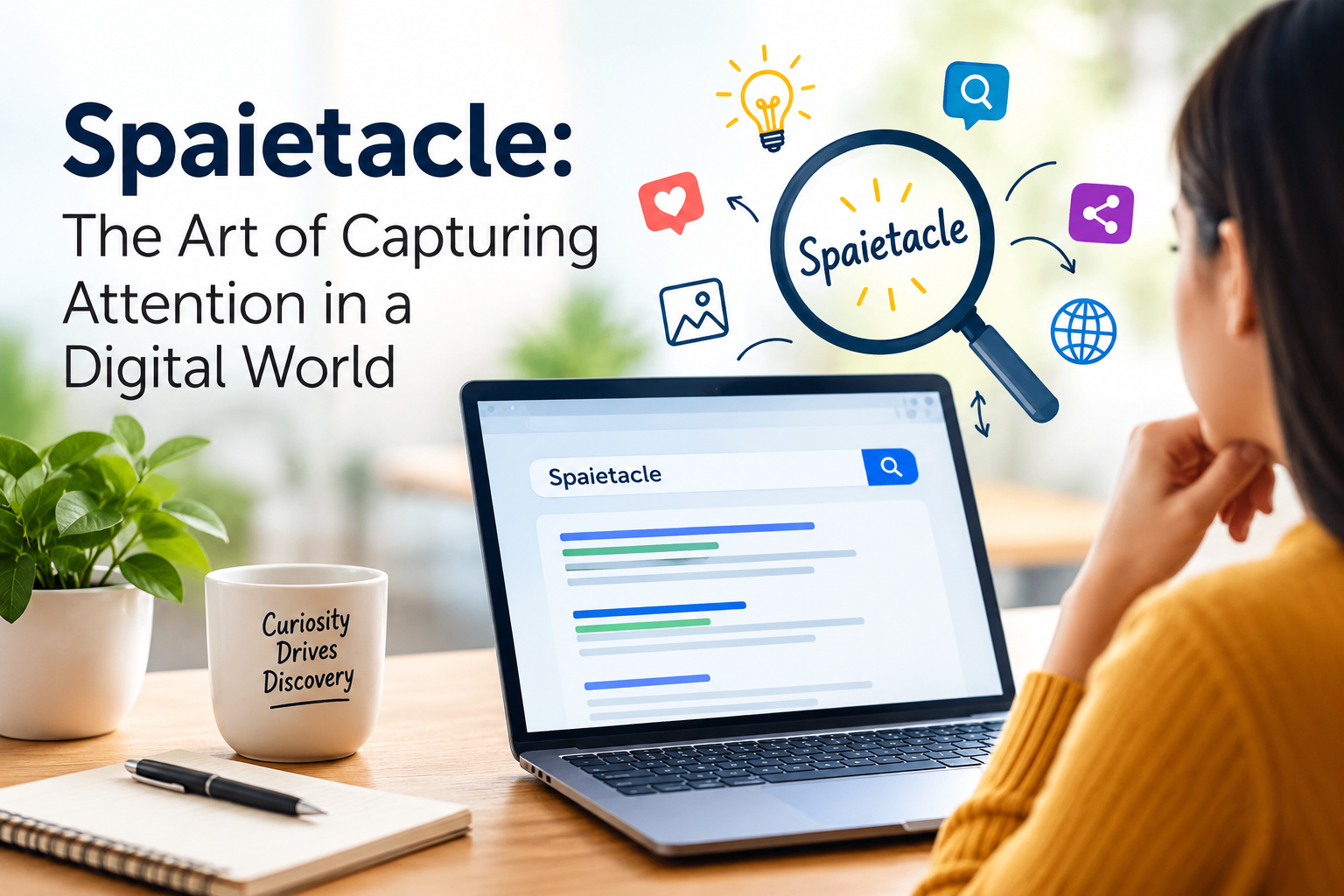
Spaietacle is an unusual search term that invites questions about language, creativity, and the way people discover unfamiliar expressions online. In today’s digital environment, distinctive words can attract attention even when their meanings are not immediately clear. People encounter new terms through websites, social media posts, creative projects, and online conversations, often turning to search engines to understand what they have found.
The interest surrounding a word such as spaietacle illustrates how curiosity influences internet behavior. An unfamiliar expression may inspire someone to investigate its origins, identify its possible uses, or determine whether it represents a particular concept. However, a distinctive spelling alone does not establish an official definition or recognized identity.
Understanding this keyword therefore requires a thoughtful approach. Rather than assuming that it represents a particular product, platform, or established idea, it is more useful to examine the role unfamiliar terms play in digital discovery and how readers can investigate them responsibly.
What Makes Spaietacle Worth Exploring?
Unfamiliar words often stand out because they interrupt familiar patterns. When readers encounter a recognizable expression, they usually have some understanding of its meaning. An unusual term, on the other hand, creates questions that encourage further investigation.
Spaietacle presents this kind of uncertainty. Without reliable contextual evidence, its precise meaning, origin, and intended use cannot be confidently established. It could be a coined expression, a name, a spelling variation, or a term used within a particular online context.
The distinction matters because several explanations may initially seem possible. Good research separates reasonable possibilities from confirmed facts rather than treating speculation as evidence.
This process also explains why unusual keywords can become subjects of online curiosity. People are often motivated to search when they encounter something they cannot immediately identify. Their interest may begin with a single word but develop into a broader investigation of language, technology, or culture.
Spaietacle and the Psychology of Online Curiosity
Curiosity is one of the basic reasons people explore the internet. When information is incomplete, individuals often seek additional details to make sense of what they have encountered.
Why unfamiliar expressions attract attention
A new word can create a small information gap. Readers recognize that something has caught their attention, but they lack enough context to understand it fully.
Searching for spaietacle may be one way to resolve that uncertainty. Someone might want a definition, another person may be checking a reference, and someone else may simply be interested in the unusual spelling.
These different motivations demonstrate why search behavior cannot always be explained by a single assumption. The same keyword can serve several purposes depending on where a person first encountered it.
The influence of repeated exposure
When people encounter an unfamiliar term more than once, they may become increasingly interested in its meaning. Repeated exposure can make a word feel recognizable, even when its background remains unclear.
However, visibility should not automatically be interpreted as popularity or credibility. Multiple pages may repeat the same information without independently verifying it.
Readers should therefore examine the quality of the sources, the consistency of their explanations, and the context surrounding the term. Familiarity is not the same as proof.
Spaietacle in the Context of Search Engine Optimization
Search engine optimization, or SEO, helps publishers organize online content so that search engines and readers can understand its subject. Creating useful material around an unfamiliar keyword requires more than placing the phrase repeatedly throughout an article.
Understanding search intent
Search intent refers to the reason someone enters a query into a search engine. A person searching for an unfamiliar expression may want its definition, background, online presence, or relationship to a particular subject.
Content about spaietacle should address these possibilities without inventing information. If the available evidence does not establish a clear meaning, the article should communicate that limitation honestly.
This approach helps readers understand what research can establish and what remains uncertain. It also prevents unsupported explanations from becoming the foundation of an article.
Using keywords naturally
A well-structured article can include its primary keyword in the title, introduction, and relevant headings. Additional mentions should appear where they contribute naturally to the discussion.
Related expressions, including digital discovery, unfamiliar words, online curiosity, and search behavior, can provide context without excessive repetition.
Keyword density alone is not a reliable measure of quality. Clear writing, accurate information, useful organization, and relevance to the reader are essential parts of effective SEO content.
How to Research Spaietacle More Effectively
When a keyword has an unclear background, a systematic research process helps prevent incorrect conclusions.
Begin with an exact search
Search for the precise spelling before exploring variations. This can reveal pages that use the same term and help establish whether different results refer to a common subject.
If the results describe unrelated topics, the expression may have multiple uses or may not have a single established meaning.
Examine reliable sources
Look for primary sources that explain the term in context. If it appears to identify a business, product, or service, an official website or credible documentation may help clarify its purpose.
Independent reporting can offer additional perspective, particularly when a term is associated with a public organization or established project.
Avoid relying exclusively on pages that repeat identical claims without identifying where their information originated.
Distinguish evidence from assumptions
Research is not simply a process of collecting search results. It also involves deciding whether the available information supports a particular conclusion.
For spaietacle, the most accurate explanation may remain limited until stronger evidence becomes available. Acknowledging this uncertainty is more useful than creating a convincing but unsupported origin story.
Common Mistakes When Exploring Unfamiliar Keywords
One frequent mistake is assuming that every unusual expression represents a new company or digital platform. Words can originate from personal projects, creative experiments, usernames, or accidental spelling variations.
Another mistake is confusing search visibility with legitimacy. A term appearing on several websites does not prove that it belongs to a recognized business or trustworthy service.
Publishers may also weaken their content by repeating the same explanation across multiple sections. This creates unnecessary length without answering additional questions.
A better strategy focuses on context, original research, and meaningful explanations. Each section should help readers understand the subject more clearly rather than simply increasing the number of keyword mentions.
The Future of Unfamiliar Terms Like Spaietacle
The internet continually introduces new expressions through digital communities, creative work, technology, and changing communication habits. Some terms eventually acquire widely recognized meanings, while others remain limited to small audiences or disappear from public attention.
Search engines make unfamiliar expressions easier to investigate, but discoverability does not determine long-term importance. A term’s significance depends on how people use it, the context in which it appears, and whether credible information establishes its meaning.
For content publishers, these developments create opportunities to answer specific questions. However, useful content must offer more than an unusual keyword. It should help readers understand what is known, identify unanswered questions, and locate trustworthy information.
The broader lesson is that curiosity can initiate discovery, but evidence is what makes the resulting explanation reliable.
Conclusion
Spaietacle provides an opportunity to explore how unfamiliar expressions attract attention in the digital world. A distinctive word can prompt searches, encourage investigation, and raise questions about language and online communication.
Nevertheless, its spelling alone does not establish a definite meaning, origin, or recognized identity. Readers and publishers should examine credible sources, evaluate context, and avoid treating assumptions as confirmed information.
For SEO writers, the most effective approach combines natural keyword placement with accurate research and genuinely useful explanations. Articles should answer reader questions honestly rather than manufacturing details to make an unfamiliar term appear more established than it is.
Ultimately, exploring spaietacle demonstrates the relationship between curiosity and responsible digital research. When clear explanations are supported by reliable evidence, even an unfamiliar search term can become an opportunity to learn something meaningful.
Frequently Asked Questions
1. What does spaietacle mean?
Its precise meaning has not been established by the information available for this article. Additional context or a reliable source would be needed to confirm a specific definition.
2. Why might people search for spaietacle?
People may encounter the term online and search for its meaning, origin, possible uses, or connection to a particular website or subject.
3. Is spaietacle a brand or website?
The keyword alone does not establish that it represents a particular brand, website, or service. Reliable evidence is needed to confirm its identity.
4. How can I research spaietacle?
Start with an exact-match search, examine credible sources, check publication dates, and compare the contexts in which the term appears.
5. Can spaietacle be used as an SEO keyword?
Yes. It can be used when an article genuinely addresses the search term, provided the content is informative, accurate, and written naturally.
6. What makes an article about an unfamiliar keyword valuable?
Useful content explains the available evidence, acknowledges uncertainty, addresses relevant reader questions, and avoids unsupported claims.

Brasssmile is a distinctive search term that invites questions about how unusual words attract attention across the internet. In today’s digital environment, people regularly encounter unfamiliar names through websites, social media posts, online communities, and search results. Some expressions become recognizable brands, while others remain mysterious until additional information reveals their purpose. Exploring brasssmile provides an opportunity to understand this process and the factors that encourage people to investigate unfamiliar terms.
An unusual keyword does not always have a clearly documented meaning. It might represent a creative name, a username, a developing project, or an expression used within a particular online community. Without reliable evidence, it would be inaccurate to assign brasssmile a specific identity or background.
Instead, examining the term through the broader ideas of digital discovery, online identity, and search behavior offers a useful perspective. These subjects explain why unfamiliar names generate interest and how reliable information helps readers separate genuine findings from unsupported assumptions.
What Makes Brasssmile Stand Out Online?
Distinctive words often attract attention because they differ from the expressions people encounter every day. A familiar term usually communicates an immediate idea, while an unfamiliar combination of letters can leave its meaning open to interpretation.
Brasssmile has a memorable structure that may encourage readers to investigate its origin or intended use. However, the appearance of a word alone cannot establish whether it belongs to a company, a website, a product, or an individual.
Understanding a term requires context. Where did it appear? Who uses it? Are there credible sources explaining its purpose? These questions help researchers determine whether an unfamiliar expression has a recognizable identity.
Search results can provide useful starting points, but they should not be treated as automatic proof. A name appearing on several pages may reflect genuine interest, repeated publishing, or unrelated uses. Reliable conclusions depend on the quality of the available evidence.
Brasssmile and the Psychology of Online Curiosity
Curiosity is one of the main reasons people explore unfamiliar information, much like a ghostwriter dissertation begins with curiosity about an unfamiliar research question. When something catches their attention without offering a clear explanation, they often look for additional details, just as those who masterarbeit schreiben lassen seek additional details when a topic catches their attention without a clear answer.
Why unfamiliar terms attract attention
People naturally try to understand information that seems unusual or incomplete. An unfamiliar word can create a small question in the mind: What does it mean, and why did I encounter it?
Brasssmile may prompt this reaction among readers who discover the term unexpectedly. Some might search for a definition, while others may want to establish whether it refers to a particular online destination.
The motivation behind a search can vary from person to person. Recognizing these differences helps content creators develop pages that address genuine questions rather than assuming every visitor has the same objective.
How repeated exposure influences recognition
Repeated exposure can make a name feel familiar. Someone who encounters an unfamiliar term several times may eventually decide to investigate it.
However, familiarity does not necessarily establish trustworthiness or widespread recognition. The same expression can be repeated across websites without adding new information or confirming its meaning.
Readers should therefore evaluate the sources behind a claim instead of judging credibility by repetition alone. Independent evidence and consistent context provide a stronger foundation for understanding an unfamiliar term.
Brasssmile in Search Engine Optimization
Search engine optimization, commonly known as SEO, helps publishers organize information so that search engines and readers can understand a page’s subject.
Understanding search intent
Search intent refers to the reason someone enters a query into a search engine. A person searching for brasssmile might want to discover its meaning, identify a website, investigate a possible brand, or find the context in which the word first appeared.
A useful article should address these possibilities without presenting speculation as fact. When a term has an uncertain background, explaining what remains unverified can be more valuable than inventing a confident but unsupported explanation.
Understanding intent also helps writers choose relevant headings, provide useful context, and avoid unnecessary information that does not answer the reader’s question.
Using the keyword naturally
Effective SEO content uses the primary keyword where it makes sense, including the title, introduction, and relevant headings. The wording should remain natural enough that readers can follow the discussion without noticing repeated phrases.
For brasssmile, related concepts such as online identity, digital discovery, unfamiliar search terms, and internet research can expand the article’s context.
Keyword density alone does not determine content quality. Clear writing, factual accuracy, helpful explanations, and a logical structure are more meaningful measures of whether a page serves its audience.
How to Research Brasssmile Responsibly
Research becomes particularly important when an unfamiliar term lacks a clearly established meaning. A structured process can help readers identify reliable information.
Start with an exact search
Search for the complete term using its original spelling. This can reveal pages that use the same expression and help establish whether different results refer to a common subject.
If the results describe unrelated things, the term may have several uses rather than one universal definition.
Examine primary sources
If brasssmile appears to identify a business, product, or online service, look for an official website, a verified profile, or credible documentation.
Primary sources can clarify how an organization describes itself. Independent reporting and public records may offer additional context where relevant.
Still, the existence of a website does not automatically establish that its claims are accurate or that its services are trustworthy. Important details require appropriate verification.
Check dates and supporting evidence
Online information can become outdated. Check publication dates and compare important claims against reliable sources.
If evidence remains limited, acknowledge that limitation. This approach helps readers understand what has been established and what still requires investigation.
Common Mistakes When Exploring Brasssmile
One common mistake is inventing a background story for a name simply because its meaning is unclear. Although speculation can make an article sound interesting, it may mislead readers and damage the publisher’s credibility.
Another mistake is treating search visibility as proof of popularity. A keyword appearing in search results does not establish that it represents a successful brand or widely used service.
Excessive keyword repetition creates another problem. Repeating the same expression in every paragraph can make writing unnatural and reduce its usefulness.
A stronger approach combines careful research, clear explanations, and relevant information. Each section should introduce a meaningful point instead of restating ideas already covered.
The Future of Digital Discovery and Brasssmile
Online discovery continues to change as search engines, social networks, and digital publishing tools develop. New names emerge through creative projects, online businesses, gaming communities, and social conversations.
Some expressions eventually develop recognizable identities, while others remain obscure or disappear from public attention. Their long-term significance depends on factors such as actual usage, credible references, community interest, and the availability of useful information.
Brasssmile illustrates why unfamiliar keywords should be approached with curiosity and care. Its significance cannot be established through spelling alone; reliable context is necessary to determine what the term represents.
For publishers, this creates an opportunity to answer specific questions while maintaining high editorial standards. Accurate research and useful explanations are more sustainable than unsupported claims designed only to attract clicks.
Conclusion
Brasssmile offers a useful starting point for exploring how distinctive terms attract attention and encourage people to search for answers. Its unfamiliar structure may prompt questions about meaning, identity, and online presence.
However, a keyword alone cannot confirm a specific definition, business identity, or level of recognition. Responsible research requires credible sources, careful comparisons, and a willingness to acknowledge uncertainty.
For content creators, the central lesson is straightforward: effective SEO content should answer genuine questions, use keywords naturally, and provide information that readers can evaluate.
Ultimately, exploring brasssmile demonstrates how curiosity begins the search for knowledge, while evidence gives that search direction. Clear and trustworthy information remains the most useful foundation for understanding unfamiliar terms online.
Frequently Asked Questions
1. What does brasssmile mean?
Its exact meaning has not been established by the information available for this article. Additional context or a reliable source would be needed to confirm a specific definition.
2. Why might people search for brasssmile?
People may encounter the term on a website, social media platform, or online discussion and search for more information about its meaning or origin.
3. Is brasssmile a website or brand?
The keyword alone does not establish that it identifies a particular website or brand. Reliable documentation is needed to confirm its identity.
4. How can I research brasssmile online?
Use an exact-match search, examine credible sources, check publication dates, and compare the context in which the term appears.
5. Can brasssmile be used as an SEO keyword?
Yes. It can serve as a target keyword when the article provides relevant information and avoids unsupported claims or excessive repetition.
6. What makes content about unfamiliar terms useful?
Useful content explains available evidence, answers likely reader questions, distinguishes facts from assumptions, and directs readers toward reliable information.
-

 BLOG1 year ago
hanime1: The Ultimate Destination for Anime Lovers
-

 Technology1 year ago
GLAADVoice.com: How You Can Get Involved and Make a Difference
-

 BILLS1 year ago
Why Does My Instagram Reel Stop Getting Views After One Hour? How to Fix It?
-

 BLOG1 year ago
Imginn: The Ultimate Tool to View Instagram Content Anonymously
-

 ENTERTAINMENT1 year ago
Crackstreams 2.0: The Future of Free Sports Streaming?
-

 BLOG1 year ago
ThisVid: What Makes It Stand Out in the World of Online Videos
-

 ENTERTAINMENT1 year ago
Sflix: How It’s Changing the Way We Watch Movies and TV Shows
-

 BLOG1 year ago
NHentai.nef: Understanding the Popular Hentai Archive